Prison Escape
Every move matters.
Plan your escape one square at a time. Watch the cameras, read the guards’ next steps, and use vents to hide while you find a route to the exit.
Three levels, each with two layouts.
Turn-based movement with an on-screen direction pad.
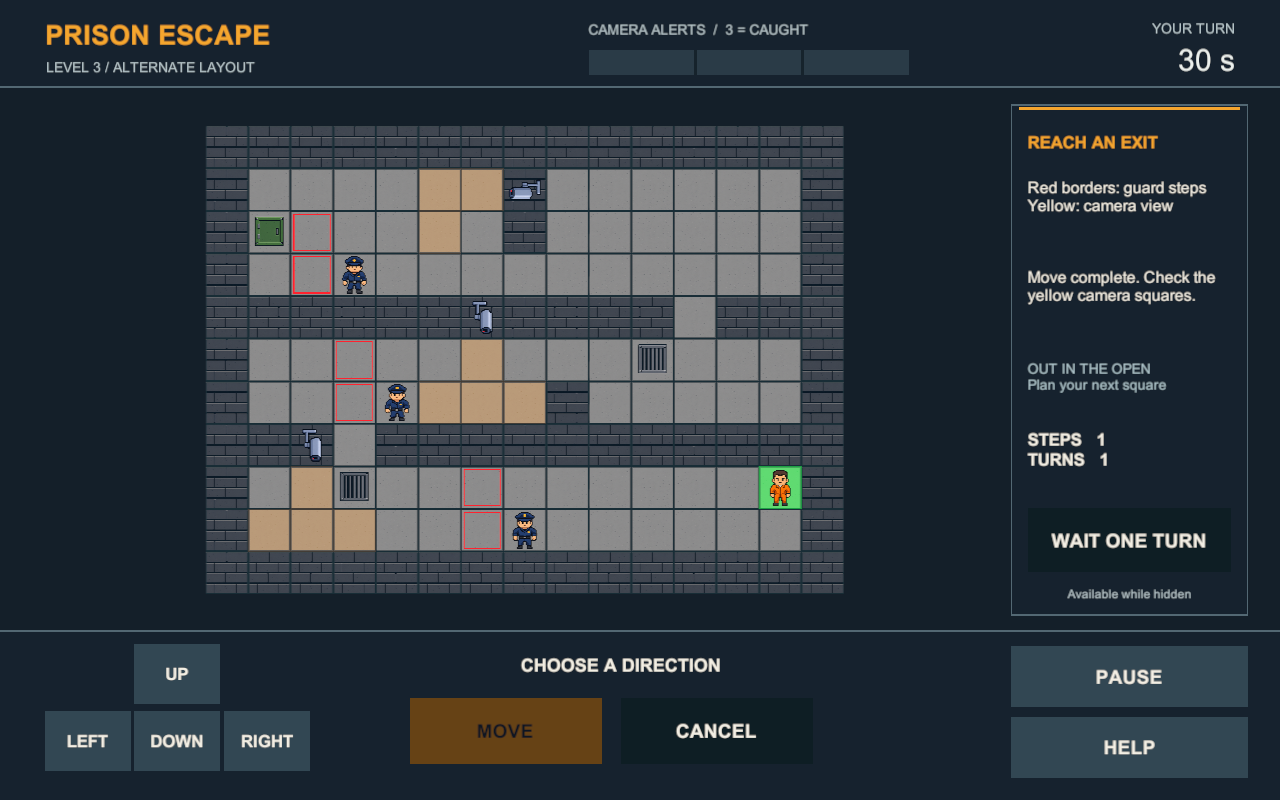
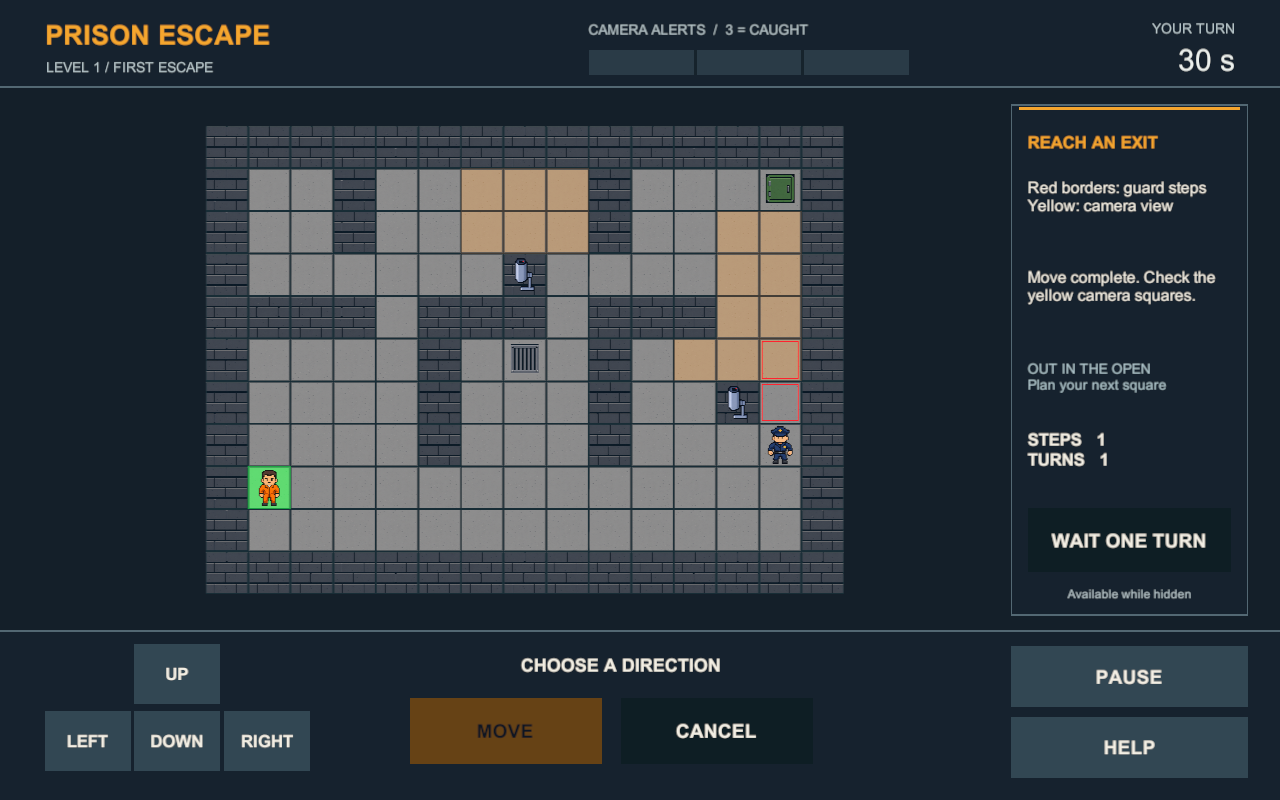
Red outlines show the guards’ next steps. Yellow squares show camera coverage.
Help, Pause, Retry, and Next Level controls.
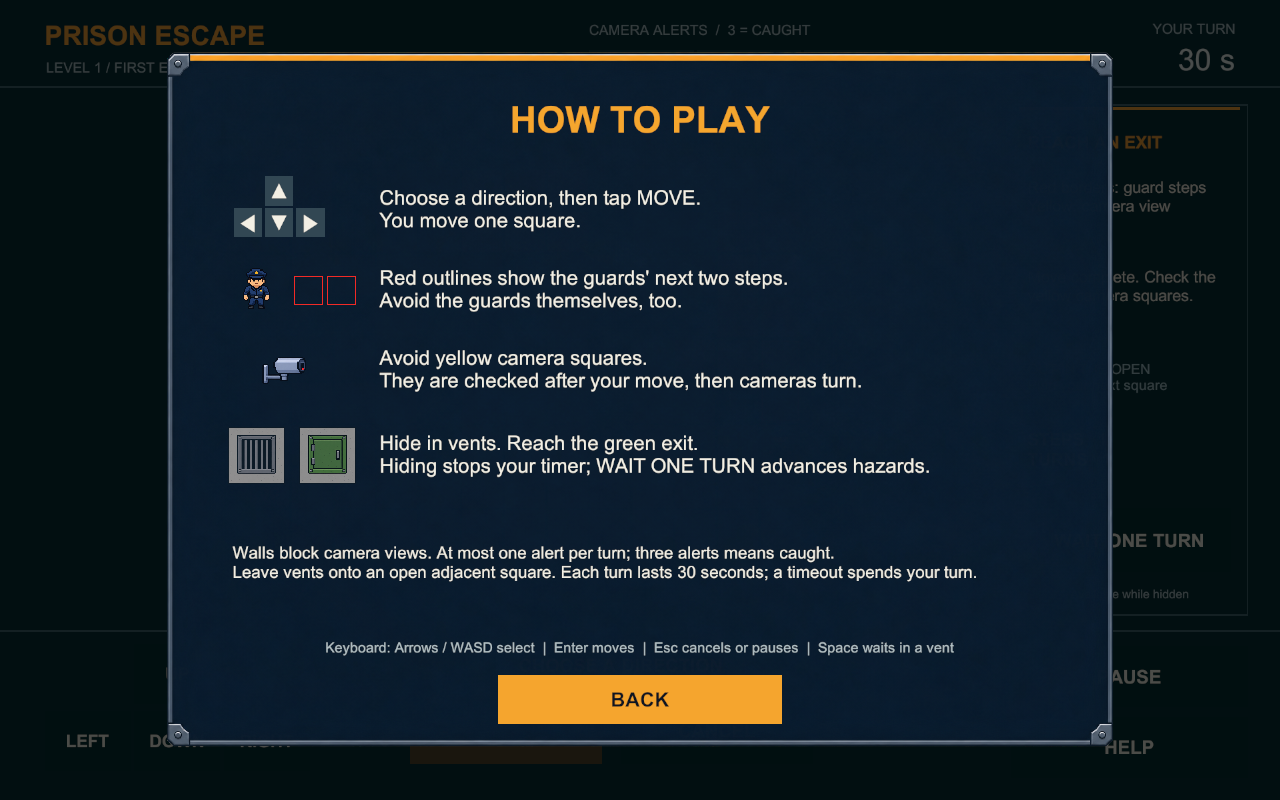
HOW TO PLAY
Choose a direction, then press MOVE to confirm it. Use CANCEL to clear a selection. Reach a green exit while avoiding guards and managing camera alerts. Open HOW TO PLAY for the rules and controls.
Best played in landscape. Use the fullscreen button for a larger view. Click or tap inside the game to enable browser audio.
Created by Alex Freeman and Chris Bentley.
Audio credits and licenses are available through the Audio credits link below the game.
A Windows 64-bit download is also available below. Extract the ZIP, then run PrisonEscape.exe. Keep all included files together.
Download
Install instructions
Windows 64-bit:
1. Download PrisonEscape-Windows64.zip.
2. Right-click the ZIP and choose Extract All.
3. Open the extracted folder and run PrisonEscape.exe.
Keep the EXE, PrisonEscape_Data, UnityPlayer.dll, and the other included files together. Use the on-screen buttons to choose a direction, then click MOVE.
You can also use Run game on this page to play in your browser.
Leave a comment
Log in with itch.io to leave a comment.